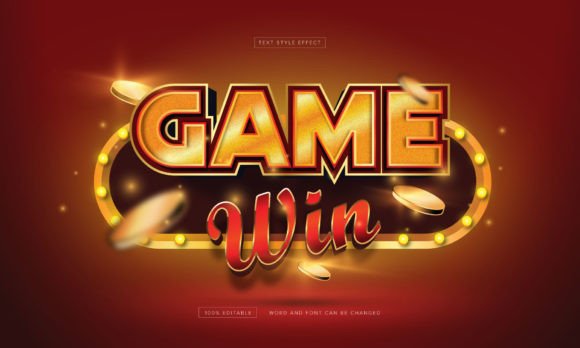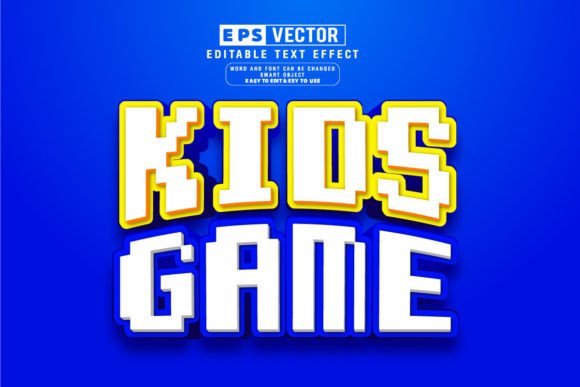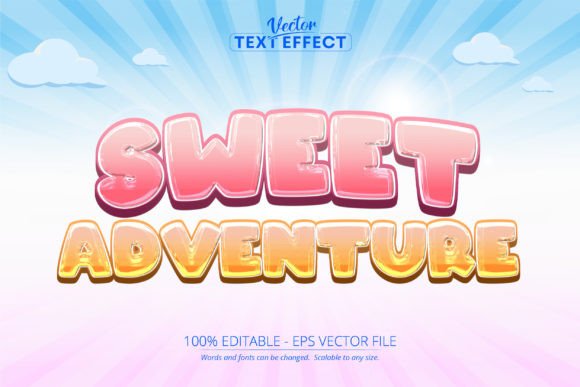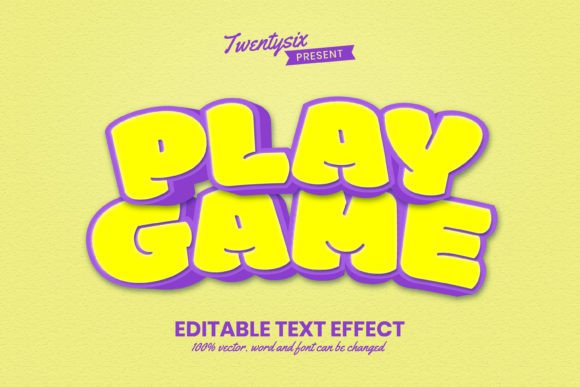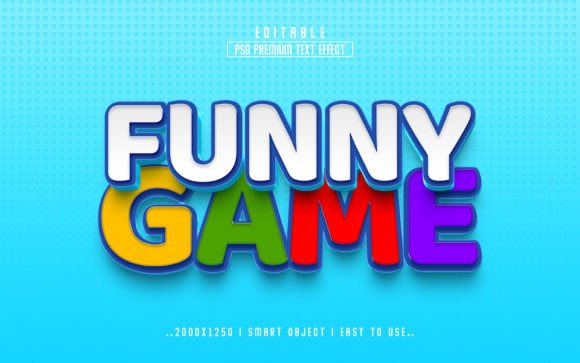
Funny Game 3D PSD Text Effect Style – A Creative Tool Done Right
If you're looking to add a playful yet polished touch to your design projects, the Funny Game 3D PSD Text Effect Style might be exactly what you need. This editable Photoshop file offers a vibrant, dimensional text effect that's ideal for game titles, promotional banners, social media posts, and more. With its smart object functionality, you can easily swap out the default text and apply the effect to your own message without needing advanced Photoshop skills.
Why Designers Love This 3D Text Effect
One of the biggest draws of this text effect is its flexibility. Whether you're a beginner experimenting with design or a seasoned professional looking to save time, the Funny Game 3D PSD Text Effect Style simplifies the process of creating high-quality visuals. The package includes:
- A fully editable PSD file
- Smart object layers for easy text replacement
- High-resolution output (2000×1250 pixels)
- Compatibility with text, vector shapes, or custom graphics
- A helpful guide for first-time users
Its playful aesthetic makes it especially popular among game developers, marketers, and content creators who want to convey a sense of fun without sacrificing professionalism.
Common Mistakes When Using Funny Game 3D PSD Text Effect Style
While this text effect is user-friendly, there are a few common pitfalls that users—especially those new to Photoshop—may fall into. Understanding these can help you get the most out of the design tool and avoid frustration.
1. Not Understanding Smart Objects
Many users attempt to edit the text directly without realizing they need to double-click the smart object layer to access the editable content. This misunderstanding can lead to distorted text or layers that don’t update properly.
Better approach: Always open the smart object in a new window, make your text or shape changes, then save and close the file. Photoshop will automatically update the main design with your new content.2. Ignoring Resolution and Scaling
Though the file is high-resolution, resizing the text too much without adjusting layer styles can lead to blurry or pixelated results. Some users stretch the text beyond its intended dimensions, thinking the effect will scale proportionally.
Better approach: Work within the original design boundaries as much as possible. If you need a different size, consider creating a new document and applying the effect from scratch to maintain clarity.3. Overlooking Layer Organization
PSD files can become complex, especially when multiple effects are stacked. Some users accidentally delete or merge important layers, which breaks the smart object functionality or ruins the 3D look.
Better approach: Take a moment to understand the layer structure before making changes. Rename layers if needed, and avoid merging smart objects unless you're certain you won't need to edit them again.4. Using Incompatible Fonts or Shapes
While the effect works with text, vector shapes, and other graphics, not all fonts or shapes will look good with the 3D style. Thin or overly decorative fonts, for example, can become hard to read or lose their effect when applied.
Better approach: Choose bold, clean fonts that complement the 3D effect. For shapes, ensure they're vector-based for the best results and scalability.What to Check Before You Buy or Use This Text Effect
Before diving into the download or purchase, it's wise to verify a few key points to ensure the Funny Game 3D PSD Text Effect Style will meet your needs.
- Photoshop version compatibility: Confirm that your version of Photoshop supports smart objects and layer styles used in the file.
- License type: Check whether the file is for personal use, commercial use, or requires attribution.
- Help documentation: Make sure the included guide is clear and addresses common issues like replacing text or adjusting colors.
- File size and resolution: Ensure the file resolution (2000×1250 pixels) suits your intended use, especially for print or large banners.
Getting the Most Out of Your Design Tool
Using the Funny Game 3D PSD Text Effect Style shouldn’t feel like a chore. With a bit of planning and attention to detail, you can create stunning visuals quickly and efficiently. Here are a few final tips to keep in mind:
- Experiment with colors: The effect often includes color overlays or gradients. Try changing these to match your brand or theme.
- Use layer blending modes: Adjusting blending modes can enhance the 3D depth and integrate the text better with your background.
- Keep backups: Save a copy of the original file before making edits, so you can always revert if something goes wrong.
- Rate or review the product: If you found the effect useful, consider leaving feedback. It helps creators improve and guides future buyers.
Final Thoughts
The Funny Game 3D PSD Text Effect Style is a valuable resource for anyone looking to add a dynamic, professional-grade effect to their text without spending hours in Photoshop. While it’s easy to use, small missteps can impact the final result. By understanding how smart objects work, respecting the file’s resolution, and choosing the right fonts and shapes, you’ll be able to create eye-catching designs with confidence.
Whether you're designing for a game, a YouTube banner, or a social media post, this text effect can elevate your work—just make sure you're using it correctly. Take a few minutes to review the included guide, test your edits, and explore the full potential of the file before finalizing your design.